Turn your phone into your PC’s wireless command deck.
Launch apps, control media and volume, and run power commands from your phone — all over your own local network. No cloud, no account.
Starting your download…
Up and running in four steps
Install once on your PC, pair your phone, and you’re in control.
Download
Grab the LanqDeck agent for Windows 10/11. It’s a small installer.
Install
Run the installer. The agent sets itself up to start with Windows.
Open
The agent runs quietly in your system tray and listens on your LAN.
Pair
Open the LanqDeck app on your phone, then scan the QR or pick your PC from the network.
Everything on your desk, in your hand
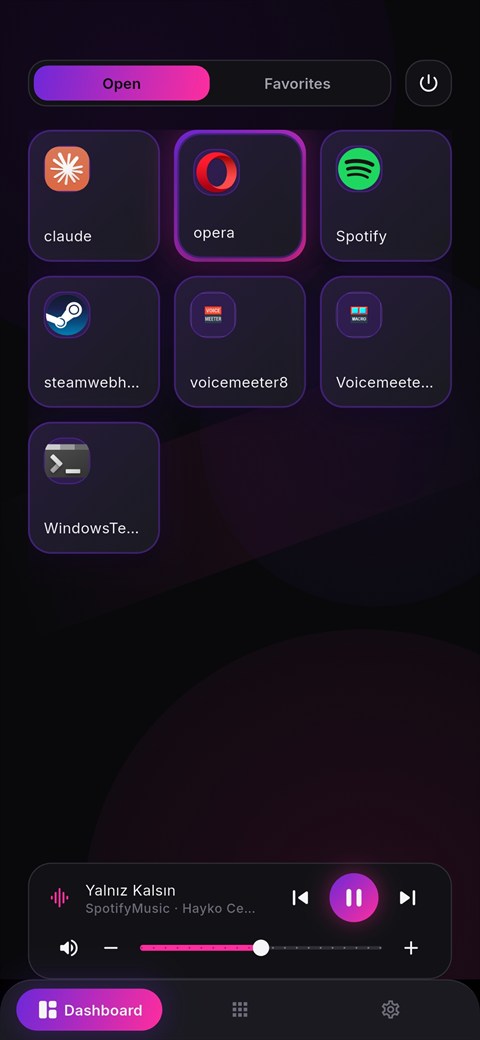
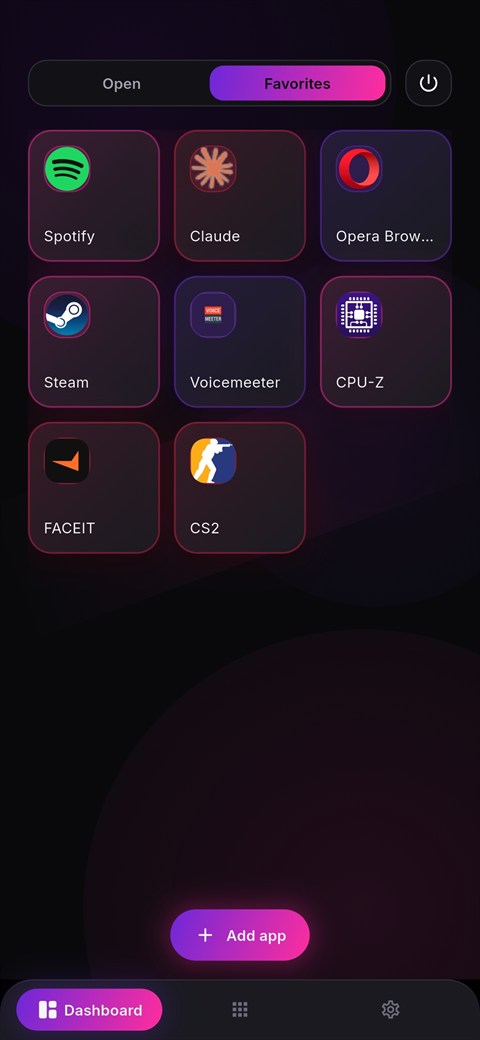
Launch & focus apps
Tap a tile to open an app on your PC — or bring it to the front if it’s already running.
Live view of open windows
See what’s open on your PC in real time and jump straight to any window.
Media & volume control
Play/pause, skip tracks, and adjust volume from your phone — with live “now playing”.
Power commands
Shut down, restart, sleep, sign out, or lock your PC — with confirmations you control.
Ready to take control?
Download the agent for Windows 10/11 and pair it with the LanqDeck app on your phone.
Free · No account required